
Immersive video on Apple Vision Pro: 180°, 360° and Apple Immersive explained
From Apple Immersive films to 360° clips from your own action camera, here is how immersive video works on Apple Vision Pro — and where to find the best of it.
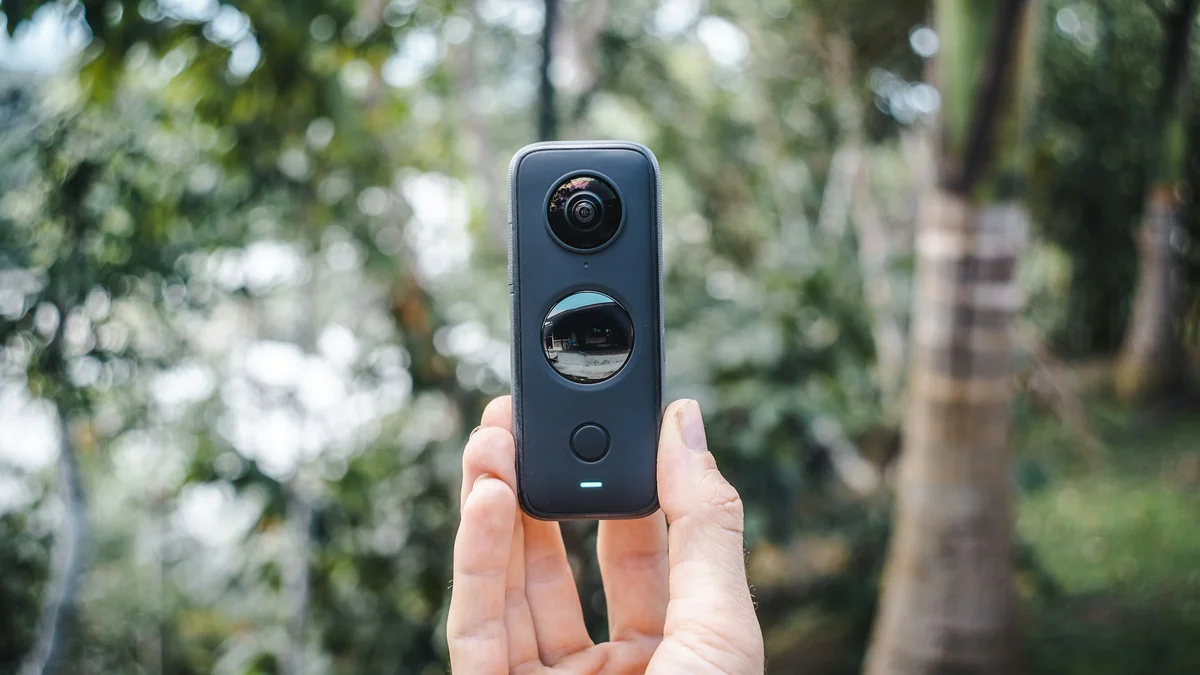
Immersive video is the moment most people remember from their first Vision Pro demo: the frame disappears and the scene wraps around you. But “immersive” covers several formats. Here is how they differ, where to watch them and how to make your own.
The main formats
- Apple Immersive: Apple’s own format, used for the films and series in the Apple TV app.
- 180° video: a half‑sphere in front of you, often in stereoscopic 3D.
- 360° video: the full sphere — you can look anywhere, including behind you.
- Wide field‑of‑view video: footage from action cameras with very wide lenses.
- 3D movies: classic stereoscopic films on a large virtual screen.
Since visionOS 26, Vision Pro plays 180°, 360° and wide field‑of‑view video natively from Insta360, GoPro and Canon cameras, and developers can add the same playback to their apps and websites. Apple also notes that creators can publish these formats to apps like Safari and Vimeo.
Where to watch Apple Immersive
The Apple TV app hosts Apple Immersive films and series. Titles announced by Apple in October 2025 include Metallica, Submerged, The Weeknd: Open Hearts, VIP: Yankee Stadium, Tour De Force, the backcountry skiing episode of World of Red Bull and the Maine episode of Elevated. Apple also announced select live Lakers games in Apple Immersive within the team’s broadcast territory, and hundreds of 3D movies are available in the Apple TV app.
Why it looks so real
Apple Vision Pro’s 23 million pixels, refresh rates up to 120Hz on the M5 model and playback at multiples of 24 and 30 frames per second all serve the same goal: no visible pixels and no judder. Supported video formats include HEVC, MV‑HEVC — used for stereo video — H.264 and AV1, with HDR including Dolby Vision.
Immersive Video, by Beforz
Our app Immersive Video brings together 360° experiences optimised for Apple Vision Pro: ocean depths, clouds and beaches, all around you. It is free to download, with optional monthly and yearly subscriptions, and also runs on iPhone and Mac.
How to shoot your own immersive video
- Choose the format. 360° when the whole scene matters, 180° for a front‑facing experience.
- Keep the camera still. Movement the viewer did not cause with their own head is the main source of discomfort.
- Shoot at eye height, and keep people at a natural conversational distance.
- Play it natively. visionOS 26 recognises footage from supported Insta360, GoPro and Canon cameras.
Comfort tips for viewers
- Start seated, especially with footage that moves.
- Turn the Digital Crown to reduce immersion whenever you need a break.
- Prefer several short sessions to one very long one.
Frequently asked questions
Can Apple Vision Pro play 360° video?
Yes. Since visionOS 26, Vision Pro plays 180°, 360° and wide field‑of‑view video natively from Insta360, GoPro and Canon cameras, and apps can offer 360° playback too.
Where can I watch Apple Immersive content?
In the Apple TV app on Apple Vision Pro, which hosts Apple Immersive films, series and selected live events.
What is the difference between 180° and 360° video?
180° video covers the half‑sphere in front of you, while 360° video covers every direction, including behind you.